Once we have uploaded the lecture notes, you will receive an email indicating that lecture notes are available.
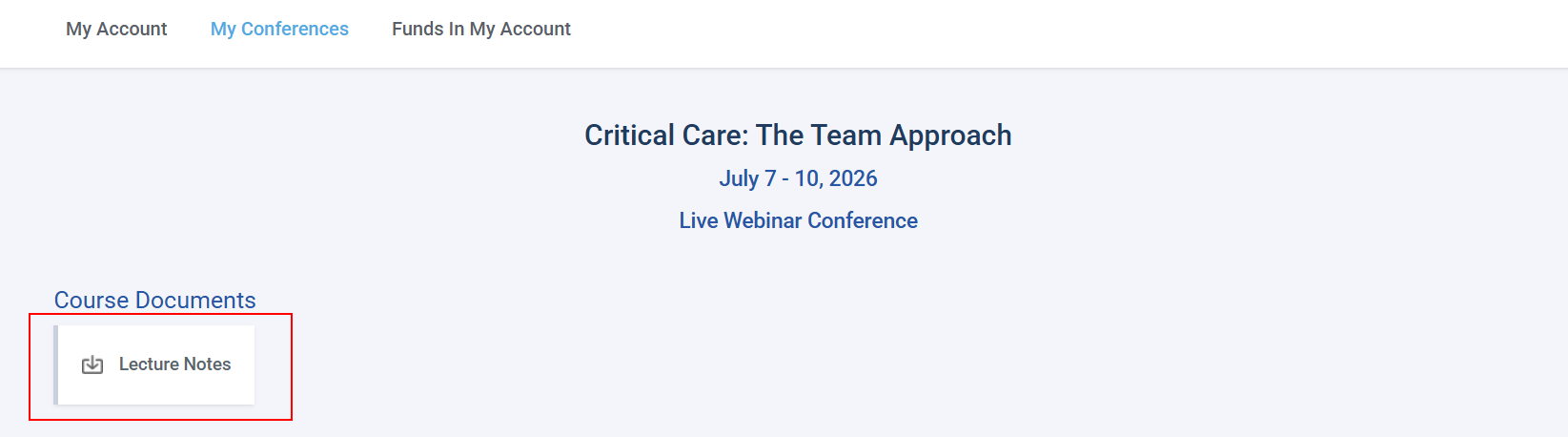
You will need to log into your online portal. Under My Account click on My Conferences tab. Scroll down to the program and click on it. Under the program name, you'll see Course Documents and a download box labeled Lecture Notes. Click on this box to download and/or print the PDF lecture notes.
If you run into issues, you may need to disable your pop-up blocker (see here for instructions on how to do this).